Address
304 North Cardinal St.
Dorchester Center, MA 02124
Work Hours
Monday to Friday: 7AM - 7PM
Weekend: 10AM - 5PM
Address
304 North Cardinal St.
Dorchester Center, MA 02124
Work Hours
Monday to Friday: 7AM - 7PM
Weekend: 10AM - 5PM
 ByNaufal
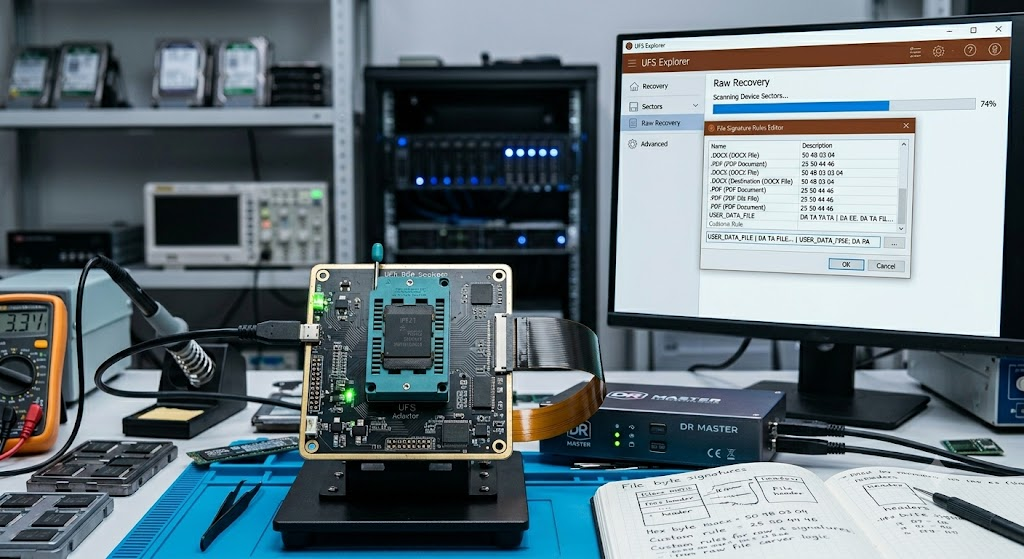
Digunakan untuk raw recovery ketika file system rusak, terformat, atau metadata hilang. UFS Explorer mencari file berdasarkan signature (magic number), bukan struktur file system.
Buka:
Tools → IntelliRAW Rules → New Type
Saat Scan, centang:
Recovery by known content (IntelliRAW)
Aktifkan:
Use custom search rules
File yang ditemukan muncul di folder:
$Custom
Custom IntelliRAW Rules memungkinkan UFS Explorer menemukan file khusus (misalnya CCTV, DVR, database proprietary) yang tidak dikenali oleh signature bawaan. Semakin unik dan akurat signature yang dibuat, semakin besar peluang recovery berhasil dan semakin sedikit hasil palsu (false positive).